Every article comparing these two tools follows the same depressing formula: list 15 features side-by-side, give both 4.5 stars, and conclude with “they’re both excellent, it really depends on your needs!” — which is technically true and completely useless.
So I’ll skip the diplomatic ending. We’ve been using both for months across actual work — academic stuff, blog posts, the eternal “please don’t sound passive-aggressive” client emails — and I’m going to tell you what they’re each actually good for, with as little hedging as possible.
Also, spoiler: you’re probably comparing the wrong two tools. But more on that later.
The fundamental difference (the part nobody mentions)
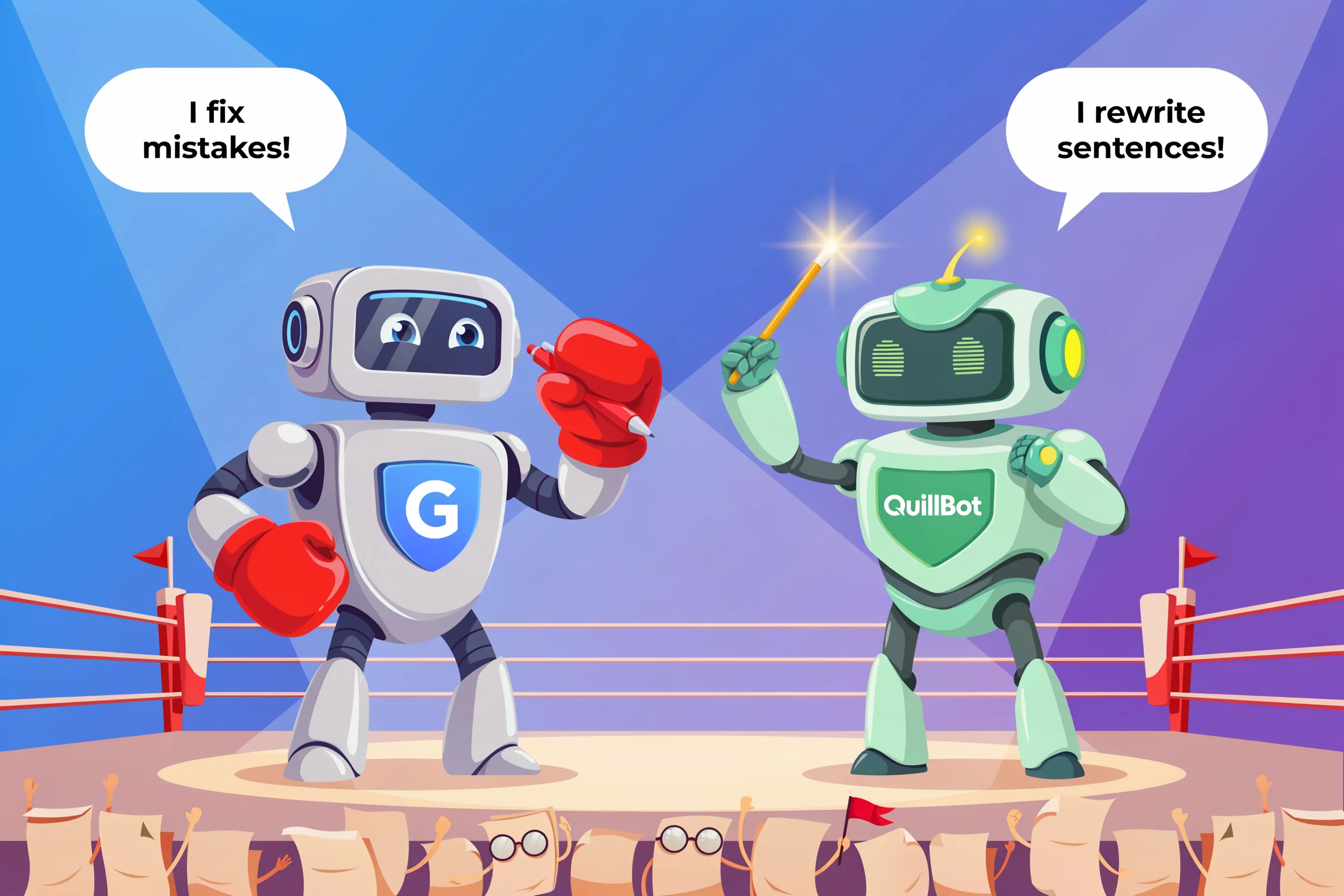
Here’s the thing most reviews glide over: these tools do completely different things.
Grammarly checks what you wrote. It quietly fixes the typos, awkward phrasing, and “this email sounds slightly hostile” energy that you didn’t notice. It runs in the background everywhere — Gmail, Google Docs, that one Slack message you really shouldn’t send at 11pm.
QuillBot rewrites what you wrote. You give it a sentence, it gives you a different sentence that means basically the same thing. Useful when you’ve stared at your own paragraph so long the words have lost meaning.
If you understand this distinction, you’re already ahead of 90% of the comparison articles out there. Grammarly is your proofreader. QuillBot is your rewriter. Comparing them is a bit like comparing a dishwasher to a microwave — both useful, very different jobs.
When Grammarly is the right answer
Get Grammarly if any of these sound familiar:
- You write everywhere. Emails, Slack, Docs, random web forms, the LinkedIn post you’ve rewritten four times. Grammarly runs in all of it without you thinking about it.
- English isn’t your first language but you’re pretty fluent. Grammarly is genuinely useful for that “I know my sentence is slightly weird but I can’t figure out why” feeling.
- You’d benefit from a tool that just works in the background without ceremony. No copy-pasting. No opening a separate tab. It just sits there silently judging you in a helpful way.
- You once sent your boss an email with “I hop this finds you well” and you’d prefer not to do that again.
The free version genuinely catches enough to be worth installing. The premium adds tone detection (very useful), full rewrites, and a plagiarism checker that’s fine but not why you’d buy this.
Pricing: Free tier is legitimately useful. Premium is $12-30/month — yes, that’s a wide range, and yes, they make it confusing on purpose.
When QuillBot is the right answer
Get QuillBot if:
- You’re a student dealing with source material. This is the killer use case. You read three papers, you need to summarize their findings “in your own words,” and your own words have temporarily abandoned you. QuillBot handles this gracefully.
- You repurpose content constantly. Turning a blog post into a LinkedIn post into a tweet into an email is exhausting. QuillBot’s modes (Formal, Creative, Shorten, Expand) speed this up considerably.
- You need to summarize a long thing into a shorter thing. Articles, papers, walls of text from your project manager — the summarizer is solid.
- You’re not always confident with sentence structure and you want a tool that suggests alternatives without you having to engineer the perfect ChatGPT prompt.
Free tier exists but the daily caps will become annoying within a week of regular use. Premium removes the limits and unlocks the advanced rewriting modes.
Pricing: $9.95-19.95/month. Annual plan is significantly cheaper if you’re going to stick with it.
The head-to-head, by what you’re actually doing
”I’m writing a research paper”
Use both, ideally. QuillBot for paraphrasing, Grammarly for catching the grammar issues that creep in when you’ve been editing the same paragraph for two hours.
If you can only afford one: QuillBot. Paraphrasing is the bigger headache, and Grammarly’s free tier covers the basics. Also, paying for two subscriptions on a student budget is its own kind of suffering.
”I write blog posts and articles”
Use Grammarly. You’re producing original content, not rewriting other people’s work. You need a proofreader, not a paraphraser. Grammarly lives inside Google Docs and your CMS — which is, you know, where you’re writing.
QuillBot might help occasionally for tightening up that one paragraph you can’t get right. Don’t subscribe just for that.
”I write business emails and client communication”
Use Grammarly. Sending “Looking forward to hearling from you” is the kind of mistake that lives rent-free in your head for the next 48 hours. Grammarly’s tone detection (“this might come across as confrontational”) has also saved several careers.
”I’m a student trying not to get flagged by Turnitin”
Use QuillBot — but please, also use citations. The number of students who think paraphrasing magically makes plagiarism not-plagiarism is concerning. QuillBot rewrites the words; it doesn’t credit the original idea. Cite your sources. We all want to keep our degrees.
”I’m a content marketer turning one piece of content into ten”
Use QuillBot. The “turn one blog post into a week of social content” workflow is exactly what it’s built for. Grammarly is fine for cleaning up the final outputs, but the actual transformation work is QuillBot’s job.
”I write fiction or creative content”
Use neither. Both tools were built for non-fiction and will absolutely try to “fix” your stylistic choices. Grammarly will flag your fragment sentences. QuillBot will normalize your protagonist’s voice into corporate English. For fiction, look at Sudowrite — it’s the only AI writing tool that actually understands narrative.
”I just want my writing to look professional”
Use Grammarly’s free tier. Seriously. Don’t pay for anything until you’ve used the free version for a month and actually hit real limitations. Most people never do.
Cost comparison
| Plan | Grammarly | QuillBot |
|---|---|---|
| Free | Useful — grammar, spelling, basic clarity | Limited daily paraphrases, basic features |
| Monthly | $30/month | $19.95/month |
| Annual | $144/year ($12/month) | $99.95/year ($8.33/month) |
| Lifetime | Doesn’t exist (and they want it that way) | Same |
QuillBot is cheaper across the board. If price is your main concern and you mostly need rewriting, QuillBot wins on math alone.
”But what about ChatGPT?”
Fair, and we knew you’d ask.
ChatGPT can technically do most of what both these tools do. Proofreading? Sure. Paraphrasing? Yes. Summarizing? Of course. So why pay for either?
A few unromantic reasons:
- Grammarly runs everywhere you type. ChatGPT doesn’t. Copying your email into a new tab, writing “please proofread this and don’t make it sound robotic,” then copying it back — that’s a workflow nobody actually maintains for everyday writing. After three days you’ll stop bothering and your typos will return.
- QuillBot’s paraphrasing modes are faster than prompt-engineering ChatGPT every time you want a slightly different version of a sentence. For batch work — academic papers, content repurposing — the dedicated tool is meaningfully more efficient.
- ChatGPT will sometimes “improve” your text in ways you didn’t ask for, adding flair or restructuring entire paragraphs when you just wanted the typos fixed. The dedicated tools stay in their lane.
That said, if you’re already paying for ChatGPT Plus and you’re not a heavy writer, you can probably skip both subscriptions and just paste things into ChatGPT when you need help. We won’t tell anyone.
The honest verdict
Get Grammarly if: You write a lot, across multiple platforms, and you want grammar/tone help running quietly in the background. The marketing makes it sound revolutionary; it’s not. But it does what it claims to do, and that’s increasingly rare.
Get QuillBot if: You spend real time paraphrasing or rewriting — especially as a student or content marketer. The free tier is enough to try it. The premium is worth it only if you’d genuinely use it weekly.
Get both if: You’re a student writing papers and you can afford it. They actually complement each other rather than overlap.
Get neither if: You write occasionally, you’ve already got ChatGPT, and your writing is already fine. The free tiers handle casual use; the subscriptions are designed for people writing 10+ hours a week.
The mistake most people make is paying for productivity tools they don’t actually use enough to justify. Both companies know exactly how many subscribers forget to cancel — it’s roughly a small country. Don’t be a citizen of that country. Start with free. Upgrade only when you hit a real wall.
Hungry for more writing tool comparisons? Read our Best AI Writing Tools 2026 ranking, or browse all 150+ AI tools in our directory if you’re still shopping around.